Popular
Zelle
Send payment to Pax Cleaning LLC
(810) 334-1877Open your bank app and choose Zelle. Include your Pax invoice number in the memo.
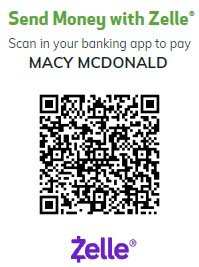 Use Zelle in Your Bank App
Simple, secure payment options for your cleaning service.
Pay securely online using the verified payment option attached to your exact Pax invoice. Payment details are handled by the trusted hosted provider. Pax never stores your card, bank account, or other payment credentials.
Pay an Invoice Online ›View your invoices, payment history, receipts, and account information.
Log In to Client Portal ›Create an Account ›Prefer a different payment method? Include your Pax invoice number. Manual payments remain outstanding until Pax verifies receipt and applies them to the correct invoice.
Send payment to Pax Cleaning LLC
(810) 334-1877Open your bank app and choose Zelle. Include your Pax invoice number in the memo.
Use Zelle in Your Bank AppSend payment to @paxcleaningllc or scan the QR code.
Include your Pax invoice number in the payment note.
 Pay with Venmo
Send payment to $paxcleaningllc or scan the QR code.
Include your Pax invoice number in the payment note.
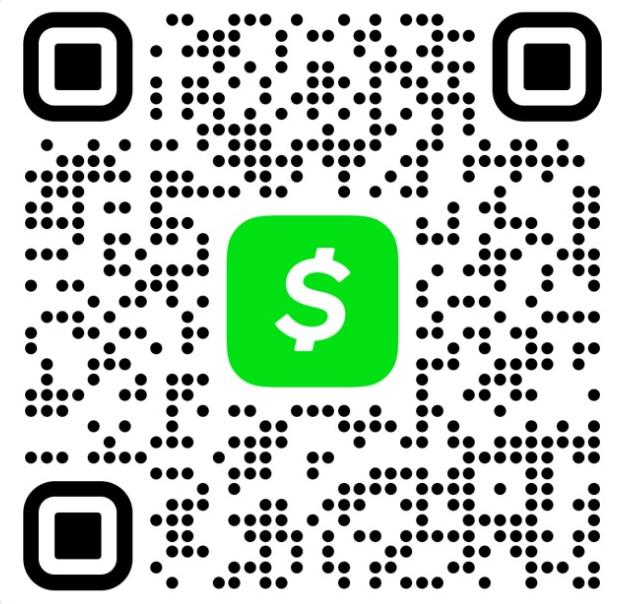 Pay with Cash App
Give payment to an authorized Pax representative or contact us for drop-off or mail-in instructions. Once verified, it will appear in your account and payment history.
Contact Us for Details ›Clients can view original receipts, filter payment history by year and month, and print tax-friendly Payment History Statements.
Open Client Portal ›